 Shotoshot
Download
Shotoshot
Download



Edit after the fact
Change your mind without starting over.
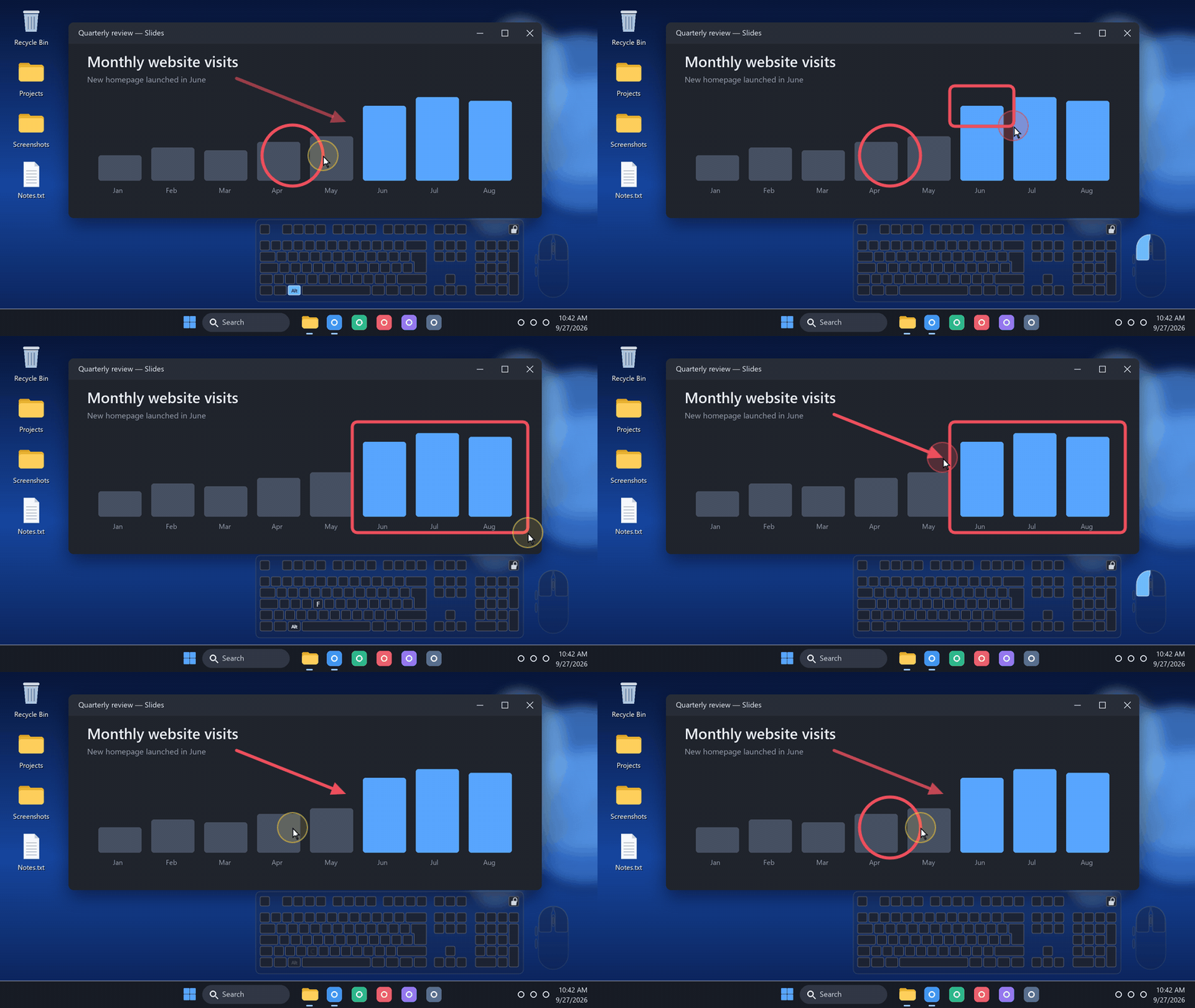
- Switch apps. Keep your edits. AltTabWindowsCheck another app, then come back to your capture. Your annotations and text in progress stay intact, ready to pick up where you left off.
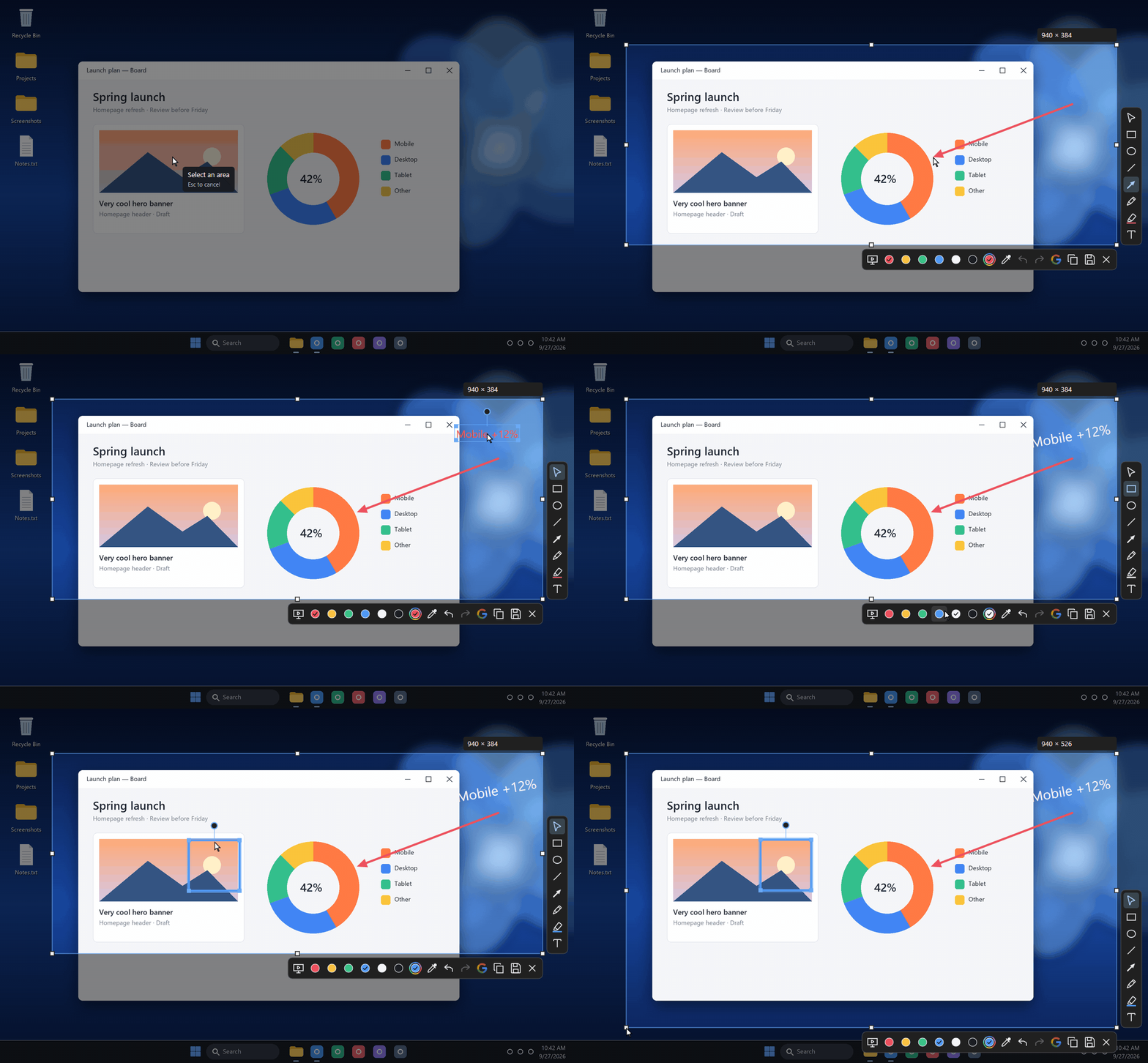
- Select what you drew VClick a shape, Shift+click to add more, or drag a box around several.
- Move and nudge ←→Drag it anywhere, or nudge it by 1 px, and 10 px with Shift. Delete removes it.
- Resize a shapePull a corner handle. Rotated shapes keep their proportions.
- Rotate anythingTurn shapes with the round handle above them. Text rotates too.
- Restyle it laterPick a color or roll the wheel: every selected shape follows, in a single undo step.
- Reopen your text TClick a text you already placed to fix a typo, change its size or its color.
- Copy and paste shapes CtrlVDuplicate annotations with their style, slightly offset each time.
- Reopen it another day .shotoSave an editable image and your capture comes back later with every annotation still an object. It is a real PNG any viewer can show; it also keeps the whole screen as it was, so share the PNG and keep the .shoto.